LED Digital Desktop Clock
LED Digital Desktop Clock
Couldn't load pickup availability

LED Digital Desktop Clock
Product Overview
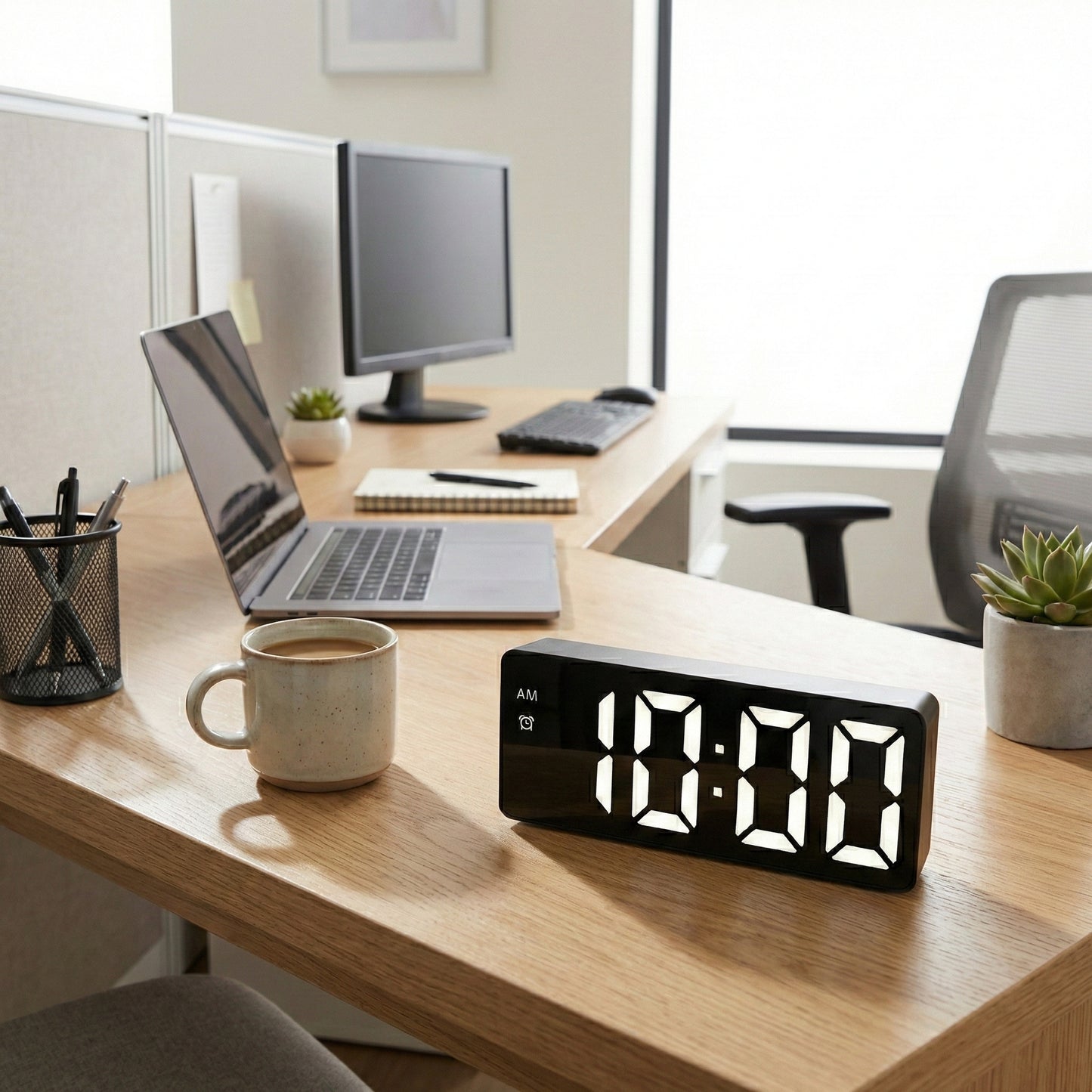
Upgrade your space with this sleek LED Digital Alarm Clock. Featuring a sophisticated black casing with a matching black face, the crisp white LED digits provide a sharp, high-contrast display that is easy to read day or night.
Designed with a modern minimalist aesthetic, this versatile clock is suitable for students, offices, or bedside tables. It combines essential timekeeping with temperature monitoring and smart power-saving features in a stylish package.
Key Features
-
Clear LED Display: Features bright white digital numbering against a black background for excellent visibility and a modern look.
-
Multi-Function Screen: Simultaneously displays time (12/24H), date, and current indoor temperature (switchable between Celsius/Fahrenheit).
-
Smart Voice Control: When powered by batteries, the clock enters a power-saving mode where the screen turns off automatically. It can be woken up for 16 seconds by sound (like clapping) or tapping the clock.
-
Adjustable Brightness: Offers 3 levels of brightness adjustment to suit different lighting environments.
-
Dual Power Options: Can be powered via a standard 5V USB cable for constant display, or by 3 x AAA batteries for wireless, portable use with memory function.
-
Alarm & Snooze: Includes a reliable alarm function with a snooze mode, allowing for adjustable snooze intervals to ensure you wake up on time.
-
Night Mode: Automatically dims the display brightness during specific evening hours to prevent glare while sleeping.
Product Specifications
| Feature | Details |
| Product Name | LED Digital Desktop Clock |
| Model Style | Rectangular Mirror Style |
| Material | ABS Plastic |
| Colorway | Black Case / White LED Light |
| Dimensions | Approx. 16cm (Length) x 6cm (Height) x 2.5cm (Depth) |
| Power Source | 3 x AAA Batteries (Not included) or USB 5V Cable |
| Display Type | LED Digital Number |
User Guide
-
Powering On: Insert 3 AAA batteries for portable use (sound control mode active) or plug in the included USB cable for the screen to stay on continuously.
-
Setting Brightness: In standard time mode, press the "UP" button to cycle through the three brightness levels.
-
Voice Activation: On battery power, if the screen goes dark, simply make a sound or tap the clock to illuminate the time.
-
Time Setting: Long press the "MODE" button to enter the setting sequence for time and date.